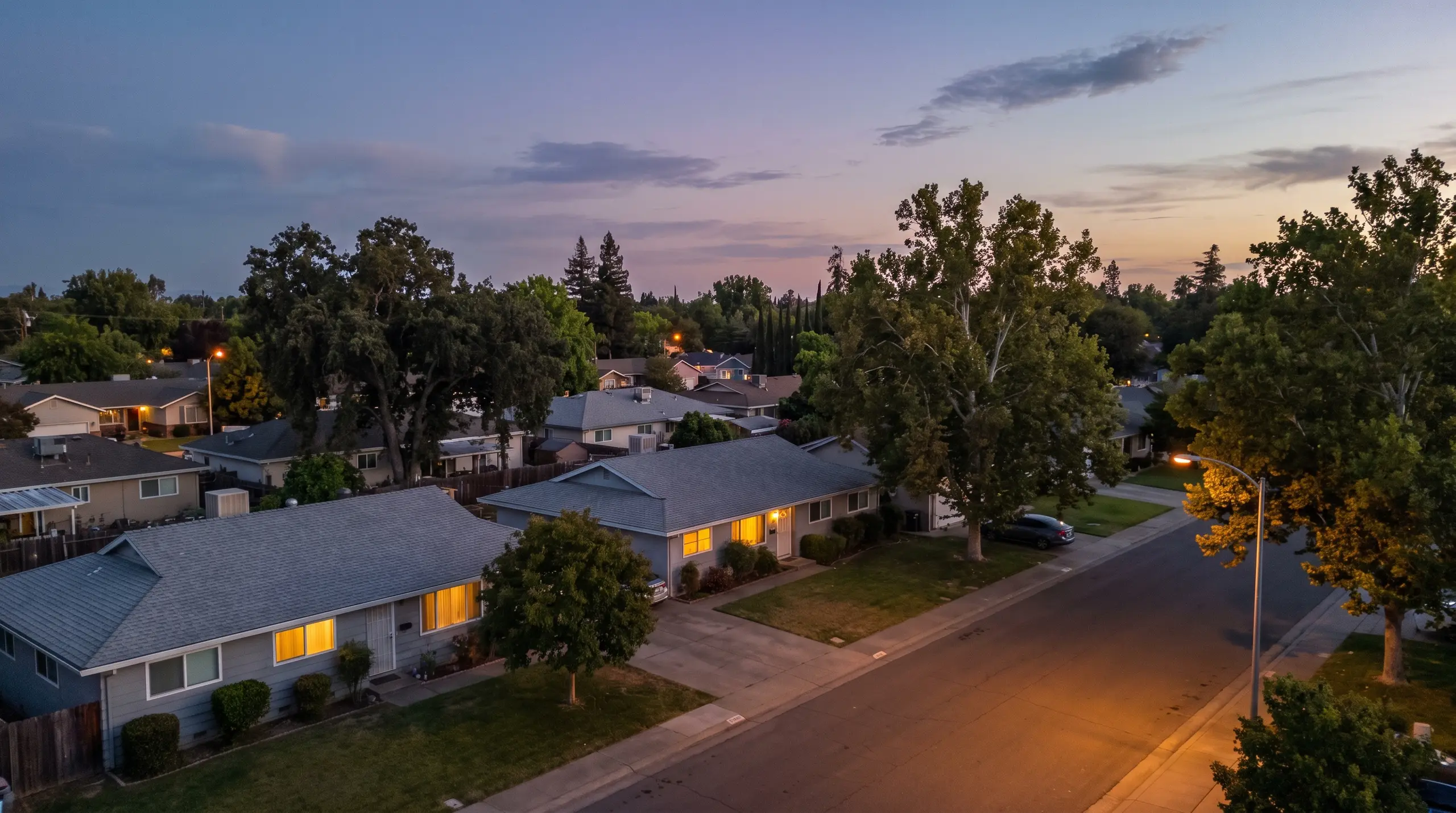
Show the move-in photo behind every move-out charge.
Inspection software for residential property managers. Photograph each unit at move-in on iPhone. At move-out, ProFlow360 lines up the same rooms so every charge has its before photo.
30 days of Pro, no card required. Then Free for up to 3 doors.
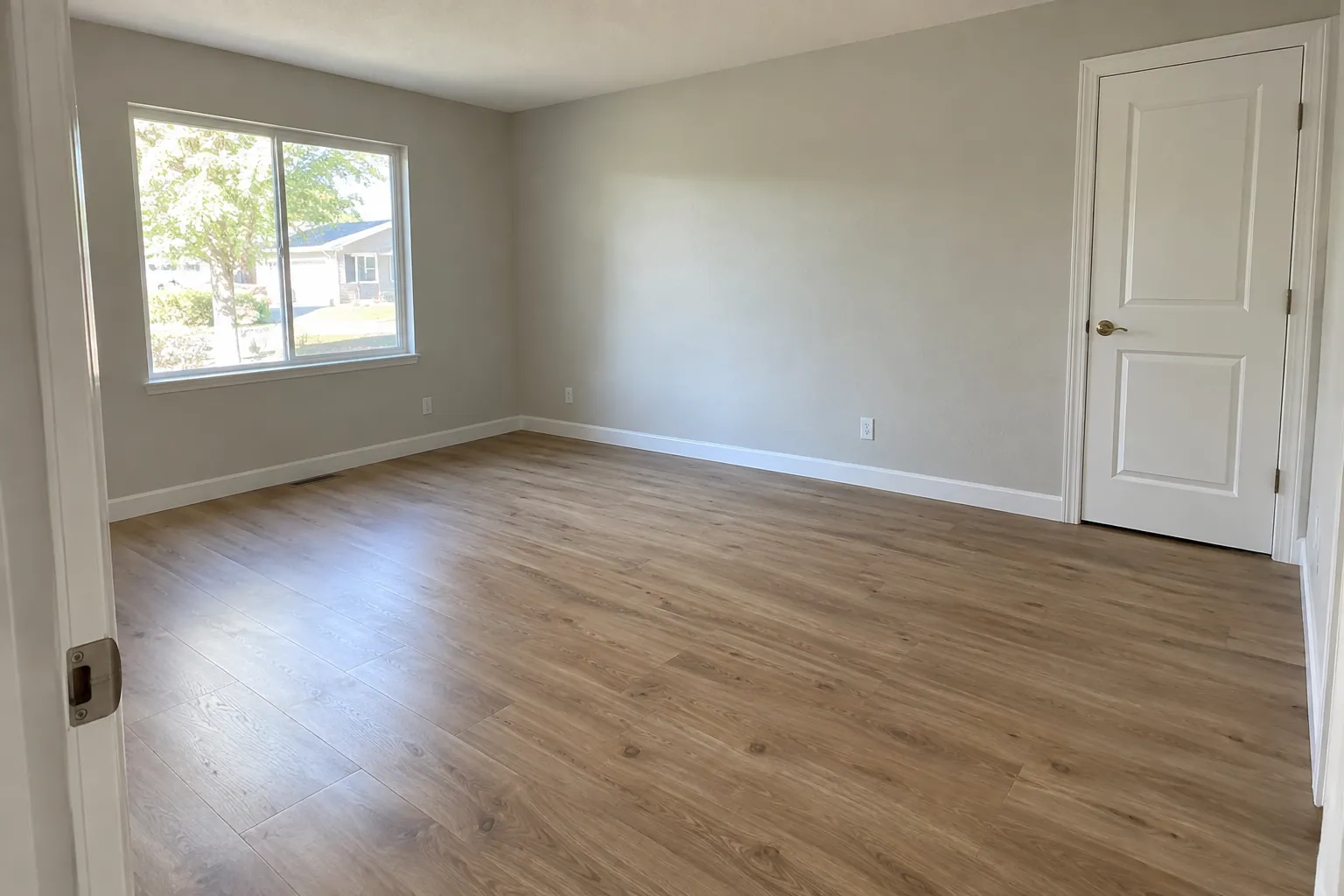
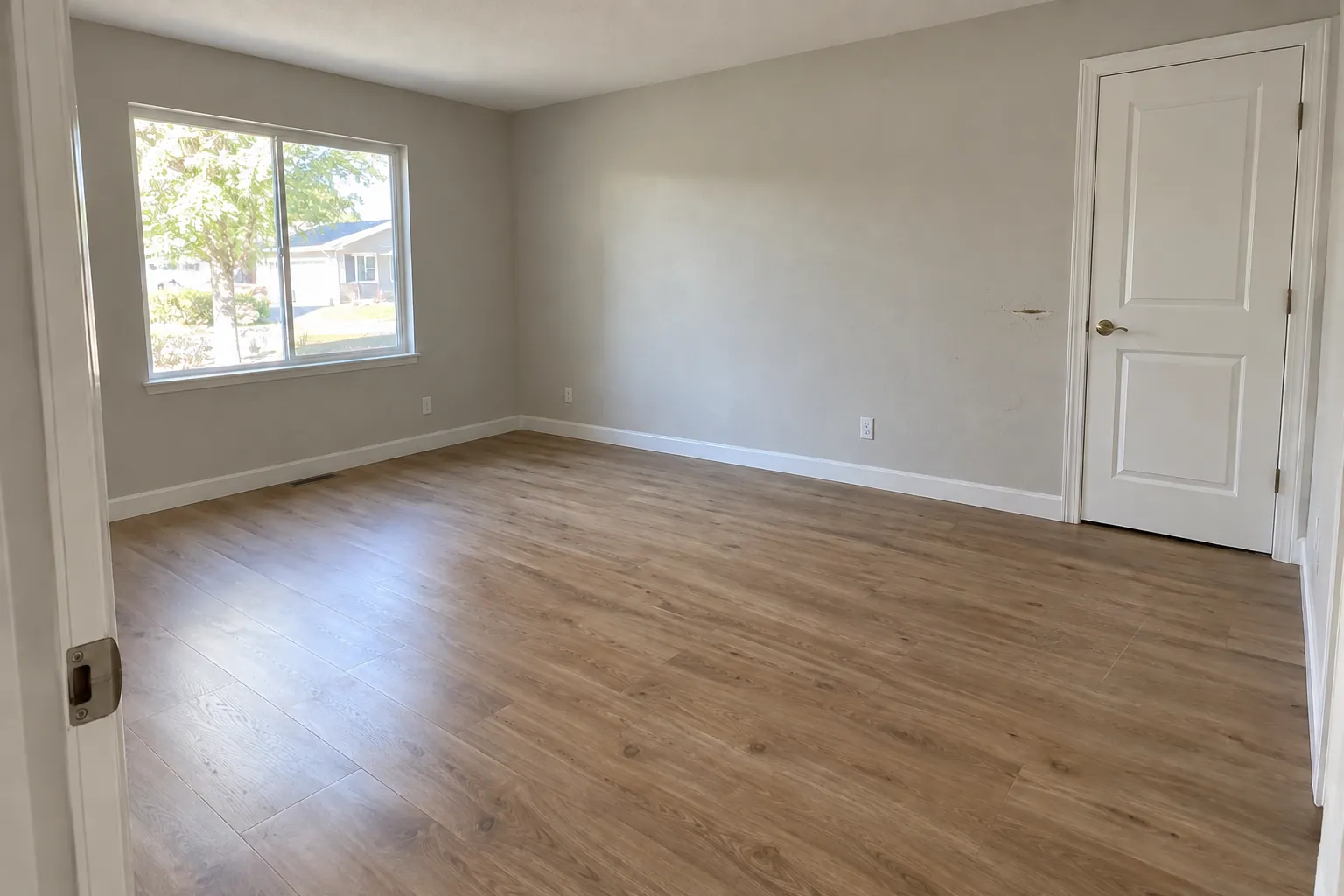
- Tenancy
- TEN-0418 · 2417 Alder Creek Way, Unit B
- Room
- Living room · photos 26 months apart
- Finding
- Tenant damage · $85.00
- Record
- Revision 1 · issued Oct 4, 2026 · sealed
Move-in photos end up on old phones and in email threads.
When a tenant questions a charge, you need the photo from move-in day. By then it is often a year old and on someone else’s phone.
The shot of the clean carpet might be on the phone of a leasing agent who left in June. Without it, a fair charge is hard to explain.
Camera roll
IMG_4471 … IMG_4519
Shared drive
/2417 Alder/Move in (2)
Condition PDF
Signed Jul 12, never opened
Text thread
“here are the pics”
Invoice email
RE: counter repair
Deposit sheet
Amounts, no evidence
Unit B · one tenancy
One recordMove-in inspection
Jul 12, 2024 · 64 photos
Periodic inspection
Jan 18, 2025 · 41 photos
Move-out inspection
Sep 30, 2026 · 71 photos
Invoice attached
Oct 2, 2026 · Counter repair
Record issued
Oct 4, 2026 · Revision 1 · sealed
How does ProFlow360 work?
Each tenancy gets one record. You photograph the unit at move-in, compare it at move-out, mark each deduction and send the package.
- 26 months later
Kitchen
Room 3 of 9 · Move-out
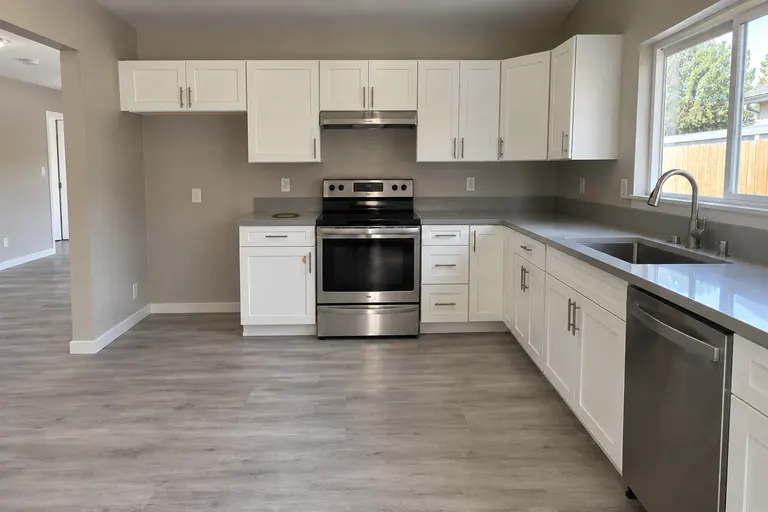 MO-29 · 10:58 AM
- Counters and range
- Sink and cabinets
- Floor, wide
Capture on iPhone
Templates tell whoever is on site which shots each room needs. Capture works with no signal and uploads when the network returns.
The iOS app 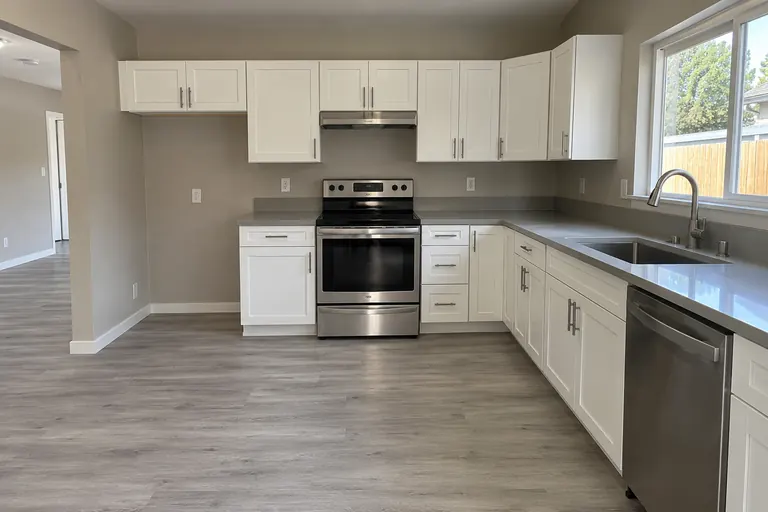
Move-in · Jul 12, 2024
Move-out · Sep 30, 2026
Kitchen conditionGood DamagedCompare what changed
Move-in against move-out, room by room, with both capture times kept. Rooms whose condition got worse are flagged.
Move-out inspectionsBurn mark on counter, left of range
Normal wearTenant damageCleaningOther claimedRidgeline estimate.pdf$180.00Classify each finding
Normal wear, tenant damage, cleaning, or other claimed. Attach the estimate or invoice to the line. You choose the classification and ProFlow360 records it.
Deposit documentationRecord TEN-0418
Sealed- Deposit you entered
- $2,400.00
- Withheld
- $400.00
- Refunding
- $2,000.00
SHA-256 a3f1c9…7b42
Resident link · expires Nov 3Issue the record
One chronological package for the tenancy, sealed when issued and shared through a link that expires and can be revoked.
Evidence packages
Illustrative screens and photos
What you can do in ProFlow360
These features work in the web workspace and in the iPhone app.
- 01Markup on photosDraw arrows, boxes, circles and text on the photo itself. The overlay carries into comparisons, evidence packages and every PDF, and can be toggled off.Scuff, ~6 in.
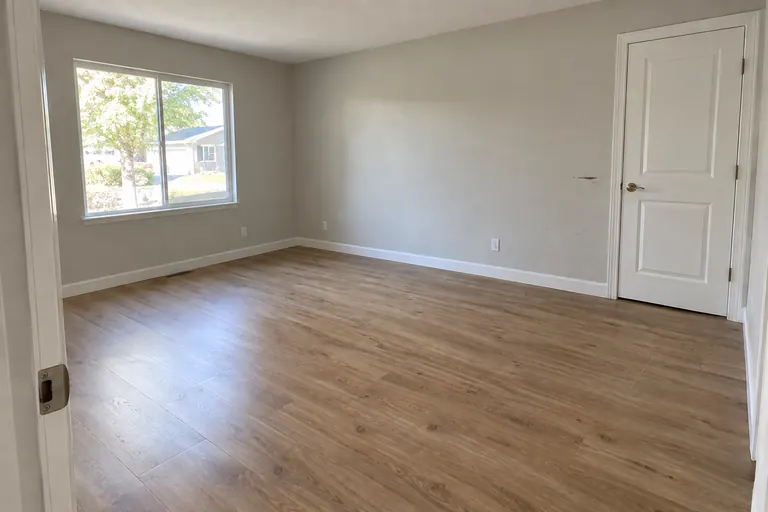
- 02Room conditionGood, fair, poor or damaged for every room. The comparison flags rooms that got worse between move-in and move-out.RoomMove-inMove-out
- Entry & hallwayGoodGood
- Living roomWorseGoodFair
- KitchenWorseGoodDamaged
- Bedroom 1FairFair
- 03Side-by-side comparisonThe same subject at move-in and move-out, paired by template, with both capture times on the image.
 MI · Jul 12, 2024
 MO · Sep 30, 2026
- 04Sealed revisionsIssued records cannot be edited. A correction adds revision 2 and keeps revision 1 readable.Current
Revision 2
Issued Oct 9 · D. Ramirez
SupersededRevision 1
Issued Oct 4 · kept intact
- 05PDF reportsInspection reports with rooms, condition, notes and markup, laid out the way you choose.proflowPage 1 of 14
Move-out inspection
2417 Alder Creek Way · Unit B · Sep 30, 2026
Living room · FairKitchen · DamagedBathroom · Fair - 06Rentvine sync, read-onlyProperties, units and tenants come from the system you already maintain. The sync only reads from Rentvine. Properties you add by hand stay as you entered them, and a report goes to Rentvine only when you click Send. Rentvine is the only PMS integration today.RVRentvineConnected · read-only
- 212
- Properties
- 486
- Units
- 431
- Tenants
Last sync 6 min ago · manual entries never overwritten
Issued records can’t be edited
Once you issue a move-out record, the database blocks any edit to it. A correction is saved as a new revision, and the original stays readable.
- 01
Sealed when issued
An issued revision carries a SHA-256 hash over its contents and a manifest of every photo it cites, each with its own hash and capture time.
- 02
Enforced in the database
Postgres triggers reject any update, delete, or late line-item insert against a sealed revision. Photos it cites cannot be deleted, including by a cascade.
- 03
Corrections become a new revision
A correction is a new revision with a complete new set of lines. The earlier revision stays readable, so you keep the full history.
Move-out record TEN-0418
Illustrative- Revision 2Current
Issued Oct 9, 2026 · D. Ramirez
Photos
169
Lines
5
Withheld
$400.00
SHA-256 a3f1c9…7b42
- Revision 1Superseded, kept intact
Issued Oct 4, 2026 · D. Ramirez
Photos
169
Lines
4
Withheld
$495.00
SHA-256 0e88d4…19ac
› UPDATE deduction SET amount = 0
WHERE revision = 1;
ERROR: revision is sealed
The iPhone app works in units with no signal
Photos save to the phone first and upload when the signal comes back. Room templates tell whoever is on site which shots to take.
- Capture offline
- Photos are written to the device before any network call. It works in a vacant unit with no signal.
- Uploads on reconnect
- A queue on the device retries in the background, without anyone reopening the app.
- Shows when each photo was taken
- A photo taken Tuesday in a basement and uploaded Thursday still reads Tuesday.
- Location if you want it
- Geotagging stays off unless the person capturing turns it on.
Move-out
2417 Alder Creek Way · Unit B
Offline. 24 photos saved on this iPhone, uploading when signal returns.
Rooms
3 of 9 complete
- Entry & hallway5 photos
- Living room6 photos
- Kitchen9 photos
- Bedroom 14 photos
- Bedroom 2Not started
- BathroomNot started
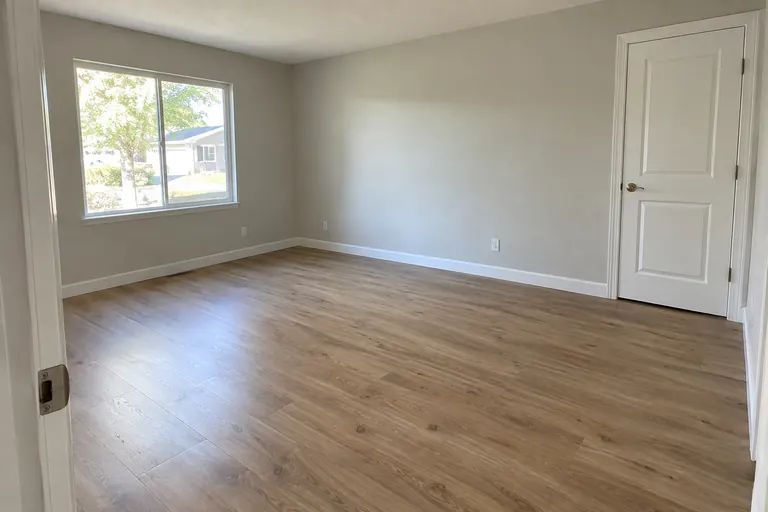
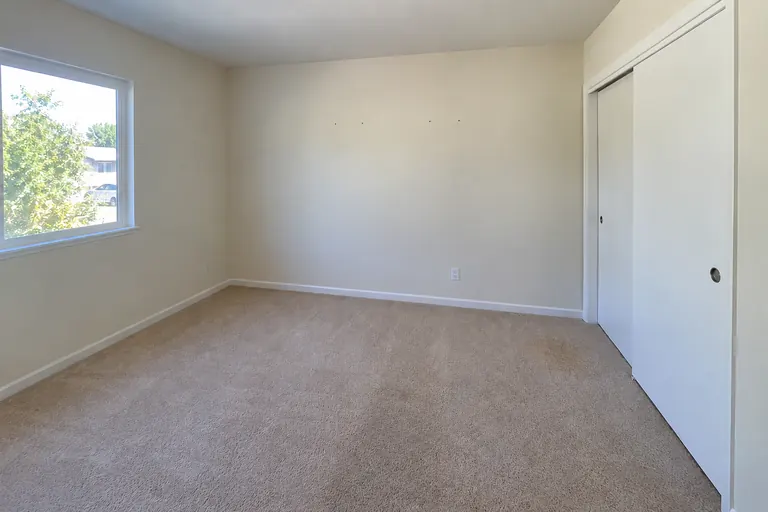
Plans by door count
Pay for the doors you manage. Every plan includes unlimited team members.
Free
$0
Up to 3 doors
- Unlimited team members
- Sealed inspection reports
- Evidence packages
- 100 photos per property
Starter
$29/ month
Up to 25 doors
- Unlimited team members
- Unlimited photos
- PDF report export
- Property share links
Pro
Most popular$79/ month
Up to 100 doors
- Unlimited team members
- Rentvine sync and Send to Rentvine
- Your logo on PDF reports
Business
$149/ month
Up to 250 doors
- Unlimited team members
- Custom inspection templates
- Priority onboarding
Scale starts at $149 a month for 250 doors, then $0.50 a door. Over 1,000 doors? Talk to us. The iPhone app uses the same workspace.
Start documenting condition properly
Create an account and run your next inspection with the evidence trail already in place.
30 days of Pro, no card required. Then Free for up to 3 doors.